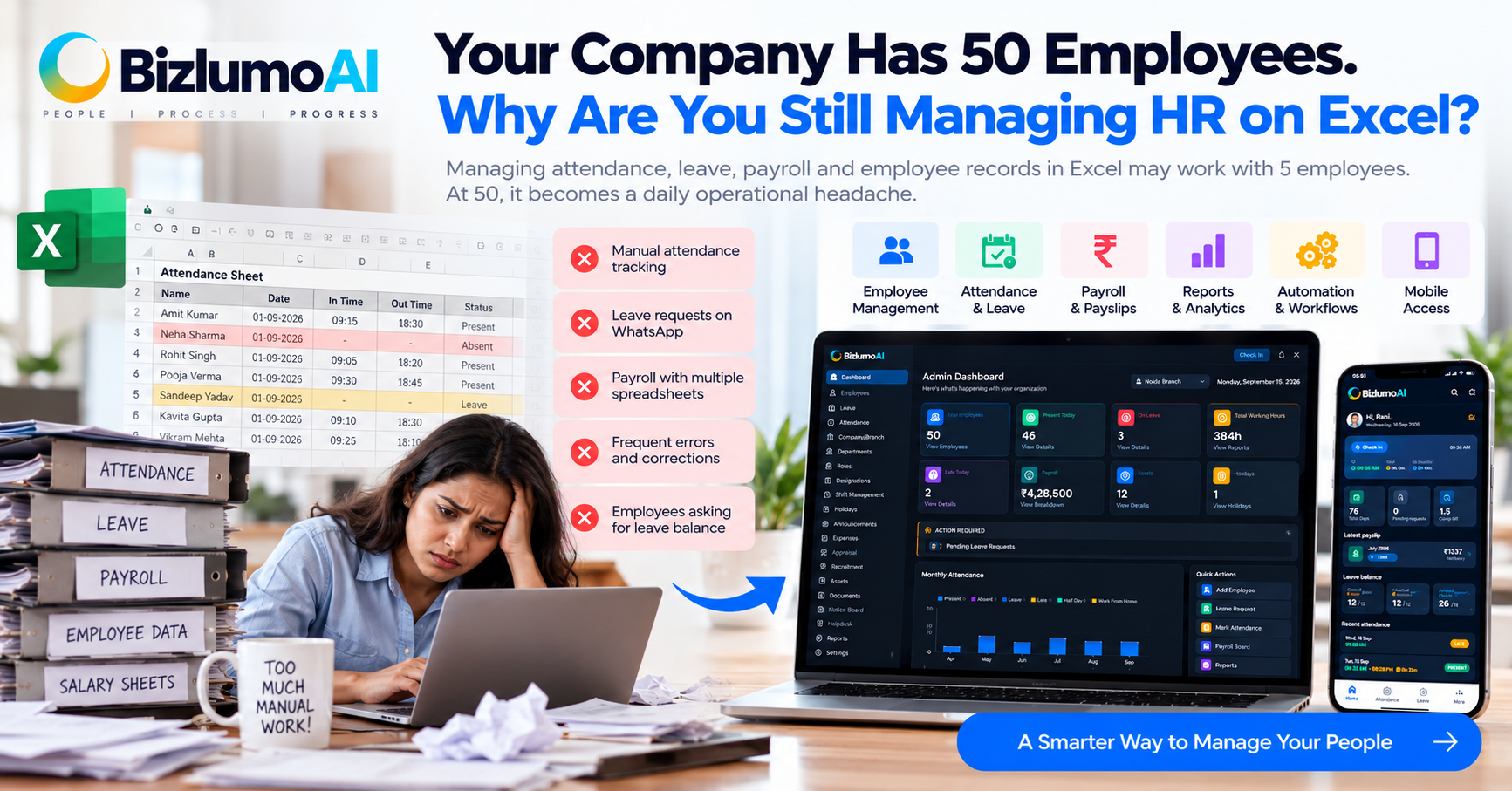
There is a point where Excel stops being an HR tool and starts becoming an HR problem.
With 5 or 10 employees, maintaining an attendance sheet, leave tracker and salary calculation in Excel may feel completely reasonable.
Someone comes in late? Update the sheet.
Someone takes leave? Change the leave balance.
Someone asks for their salary slip? Find the file.
Someone joins the company? Add another row.
It works.
Until the company grows.
At 30, 50 or 100 employees, the problem isn't Excel itself.
The problem is that too many HR processes depend on people manually keeping everything updated.
The Real Cost of Manual HR
Most businesses don't calculate how much time their HR team spends on repetitive administrative work.
Consider a normal month:
- Attendance needs to be checked.
- Late arrivals need to be reviewed.
- Leave applications need to be tracked.
- Payroll data needs to be prepared.
- Salary changes need to be updated.
- Employee documents need to be maintained.
- Payslips need to be generated.
- Managers need reports.
- Employees need answers.
None of these tasks individually looks difficult.
Together, they consume hours.
And the bigger problem is that manual processes create opportunities for mistakes.
1. Attendance Becomes a Daily Headache
A typical manual setup might involve:
Biometric Device → Excel → HR Verification → Corrections → Payroll
Or sometimes:
WhatsApp Message → HR → Excel Sheet
Then someone asks:
"I was present on Tuesday. Why does the attendance show absent?"
Now HR has to investigate.
Was the employee late?
Was the biometric machine offline?
Was the entry missed?
Was the attendance sheet updated?
Was attendance regularized?
This is not really an attendance problem.
It's a data-flow problem.
2. Leave Management Becomes a Conversation
Without a centralized system, leave information can quickly become scattered across:
- Excel
- Verbal requests
- Manager messages
And eventually someone asks:
"How many leaves do I have left?"
HR has to open a spreadsheet and calculate it.
With an automated HR system, employees can check their leave balance themselves and submit leave requests from the same platform.
That changes HR from a data-entry function into a process-management function.
3. Payroll Depends on Someone Getting Everything Right
Payroll is where manual errors can become expensive.
Salary calculations may depend on:
- Attendance
- Leave
- Loss of pay
- Overtime
- Allowances
- Deductions
- Loans or advances
- PF
- ESI
- Professional Tax
- TDS
When these inputs are maintained separately, HR has to bring everything together before payroll can be processed.
One incorrect figure can create another problem:
Incorrect Payroll → Employee Complaint → HR Investigation → Correction → Revised Calculation
Automation doesn't eliminate the need for human review.
It reduces the amount of repetitive calculation humans have to perform.
4. Employees Don't Want to Ask HR for Everything
This is an underrated problem.
Employees shouldn't need to message HR every time they want to know:
"How many leaves do I have?"
"Where is my payslip?"
"What was my attendance last week?"
"Did my leave get approved?"
"What time did I check in?"
Employee self-service solves much of this.
Instead of HR answering the same questions repeatedly, employees can access the information themselves.
When Should a Business Move Beyond Excel?
There isn't a magic employee number.
A company with 20 employees may need HR automation earlier than a company with 100 employees if its processes are more complicated.
But there are some obvious warning signs.
You probably need HR automation when:
- HR spends hours maintaining attendance every month.
- Payroll requires multiple spreadsheets.
- Employees regularly ask HR for leave balances.
- Attendance corrections happen frequently.
- Managers need reports that take hours to prepare.
- Employee information exists in multiple files.
- You use WhatsApp to manage important HR processes.
- Payroll calculations depend heavily on manual Excel formulas.
- You are worried about losing or duplicating employee data.
- Your HR team is growing but administrative workload keeps increasing.
If several of these sound familiar, the issue isn't that your HR team needs to work harder.
Your process needs to work smarter.
What Should Replace Excel?
Not every business needs an expensive enterprise HR platform.
For many small and growing companies, the practical requirement is much simpler.
You need one system for:
Employee Management
Maintain employee profiles, employment information and documents in one place.
Attendance
Track check-ins, check-outs, shifts, attendance records and corrections.
Leave Management
Allow employees to request leave while managers and HR handle approvals and balances.
Payroll
Manage salary calculations, deductions and payslips from connected employee and attendance data.
Reports
Generate attendance, payroll and employee reports without manually combining multiple spreadsheets.
Employee Self-Service
Allow employees to access their own attendance, leave information and payslips.
Administration
Manage roles, permissions, departments, companies and other HR settings from one platform.
The goal isn't to eliminate Excel completely.
The goal is to stop using spreadsheets as the central operating system for HR.
What About a 10-Person Company?
Smaller companies can benefit from HR automation too.
A 10-person company may not have a dedicated HR department.
The founder, accountant or office manager may be handling everything.
That makes automation even more useful.
Instead of spending an hour preparing attendance or searching for an old payslip, the information can already be available in the system.
The question shouldn't be:
"Are we big enough for HR software?"
A better question is:
"How much of our HR work is repetitive enough to automate?"
The Better Way to Think About HRMS
HRMS isn't simply a replacement for an Excel sheet.
It creates a connected workflow.
For example:
Employee Checks In
↓
Attendance Is Recorded
↓
Leave and Attendance Data Are Available for Payroll
↓
Payroll Is Calculated
↓
Payslip Is Generated
↓
Employee Accesses Payslip
The less information HR has to manually move from one place to another, the fewer opportunities there are for errors.
Where BizlumoAI Fits
For small and growing Indian businesses, BizlumoAI HRMS is designed around these operational challenges.
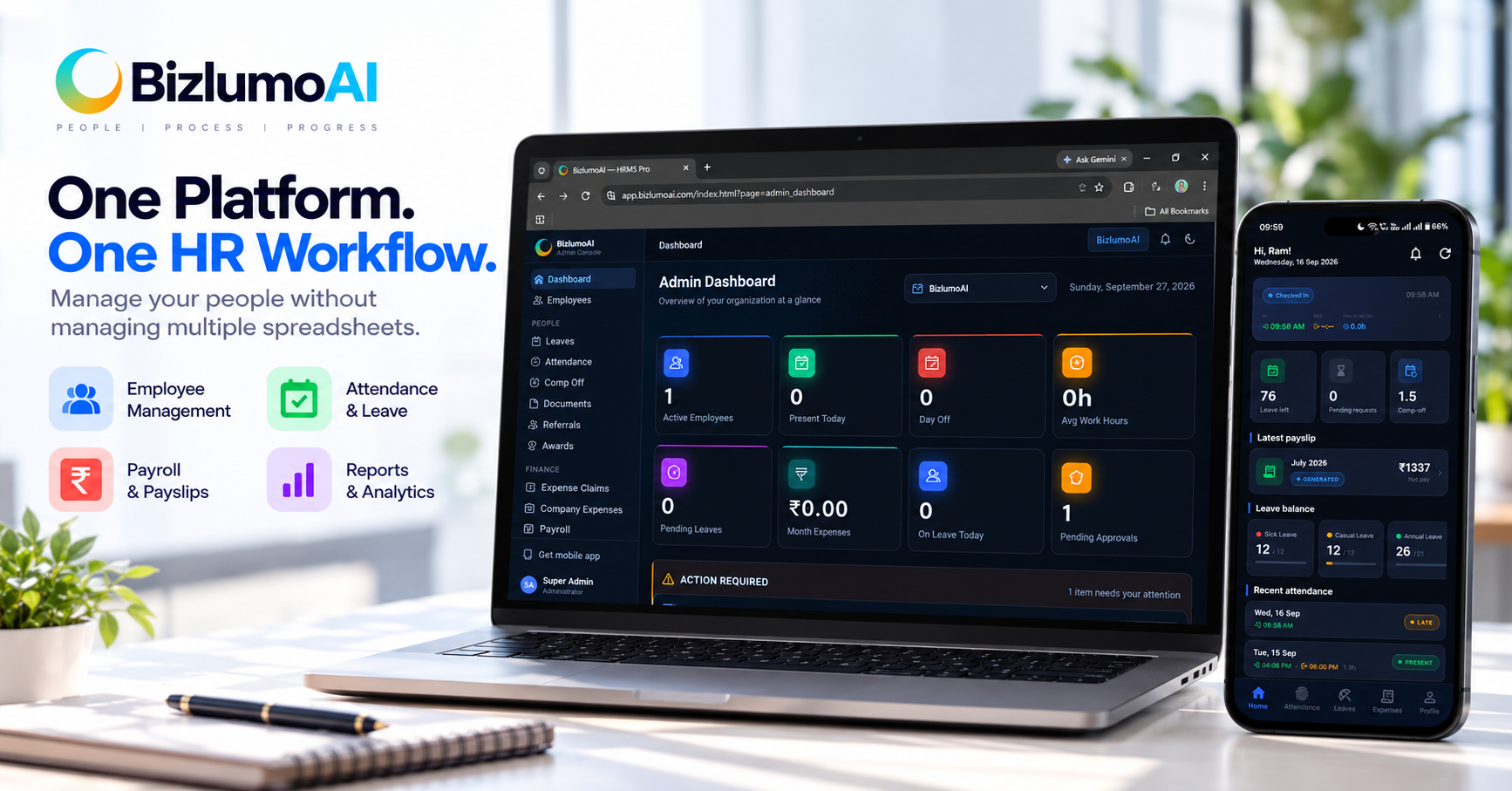
It brings employee management, attendance, leave, payroll, employee self-service and reporting into one HR platform.
BizlumoAI also supports multiple attendance methods, including face recognition, GPS-based worksite validation, web attendance and biometric integrations.
Employees can access attendance, leave and payslips through the employee portal and mobile experience, while administrators manage HR operations from the web dashboard.
The objective isn't to make HR complicated.
It's to remove unnecessary manual work.
Final Thought
Excel isn't bad.
Manual processes aren't automatically bad either.
They simply stop making sense when the business grows beyond what those processes can comfortably handle.
If your HR team is spending more time updating information than using information to manage people, that is a good point to reconsider the process.
Because the real purpose of HR technology isn't to give HR another dashboard.
It's to give your team fewer things to manually manage.
Frequently Asked Questions
When should a small business stop using Excel for HR?
There is no fixed employee limit. If attendance, leave, payroll and employee records require significant manual work or frequent corrections, HR automation may already be worthwhile.
Can HRMS completely replace Excel?
Not necessarily. Excel remains useful for analysis and ad-hoc calculations, but an HRMS can become the central system for employee records and HR processes.
Is HRMS useful for small businesses?
Yes. Small businesses can use HRMS to reduce repetitive administrative work without necessarily requiring a large HR department.
Does HRMS include payroll and attendance?
Many HRMS platforms include both, although the exact features vary by provider and plan.
What is the biggest benefit of HR automation?
For many businesses, the practical benefit is reducing repetitive manual work while keeping employee information and HR processes centralized.